
Interval workout timer
WODTap is a focused workout timer for iPhone and Apple Watch. Set up the format you want, start moving, and let clear visual, audio, and haptic cues keep every interval on track.
WODTap gives your workout a reliable rhythm without getting in the way.
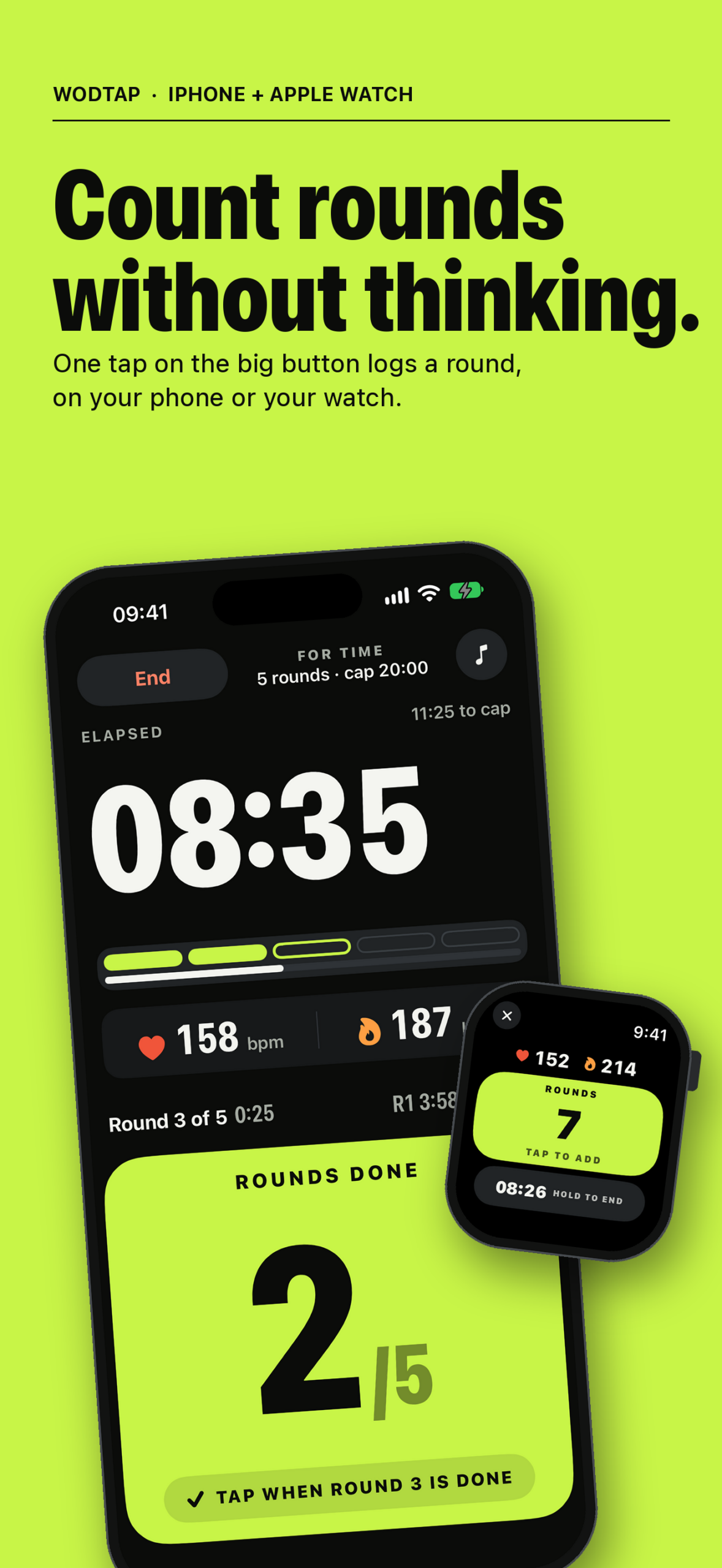
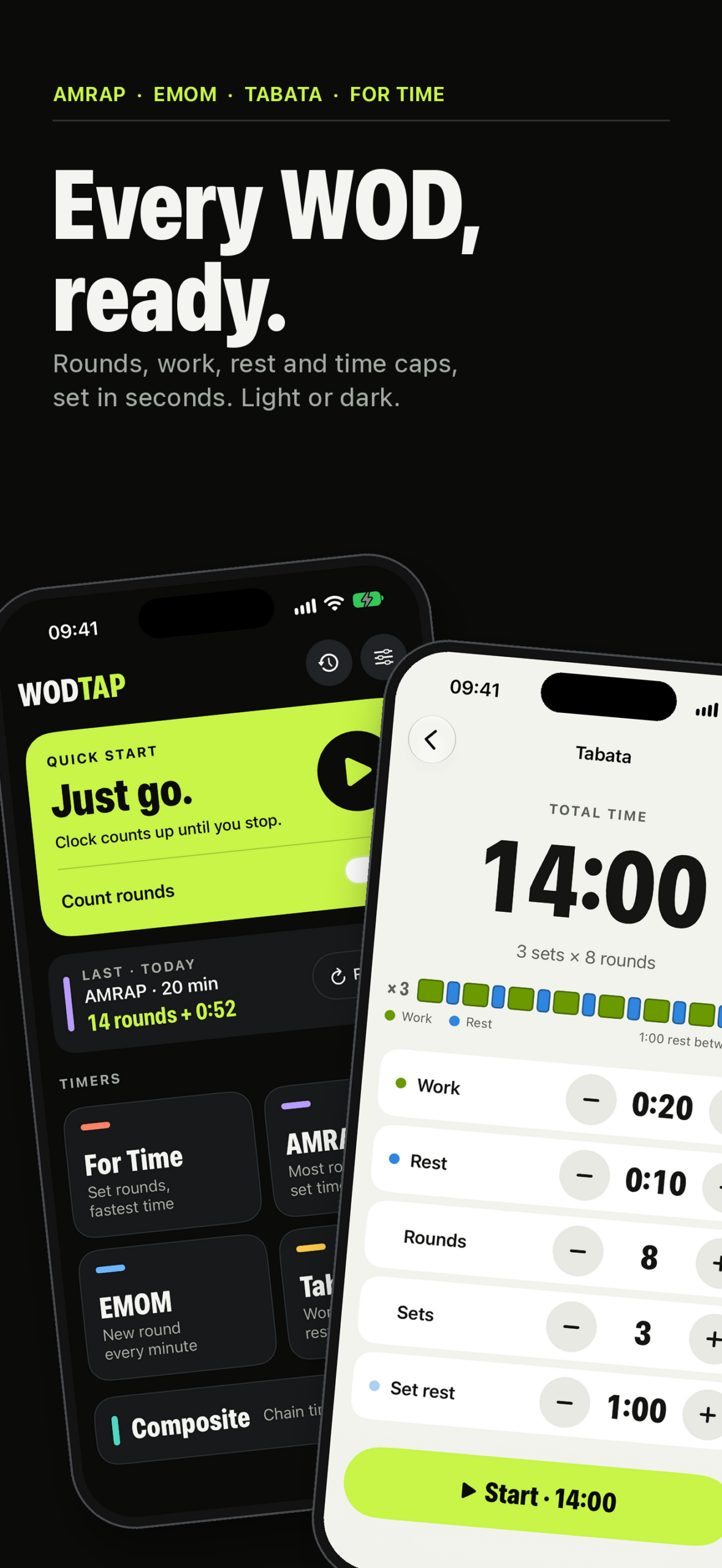
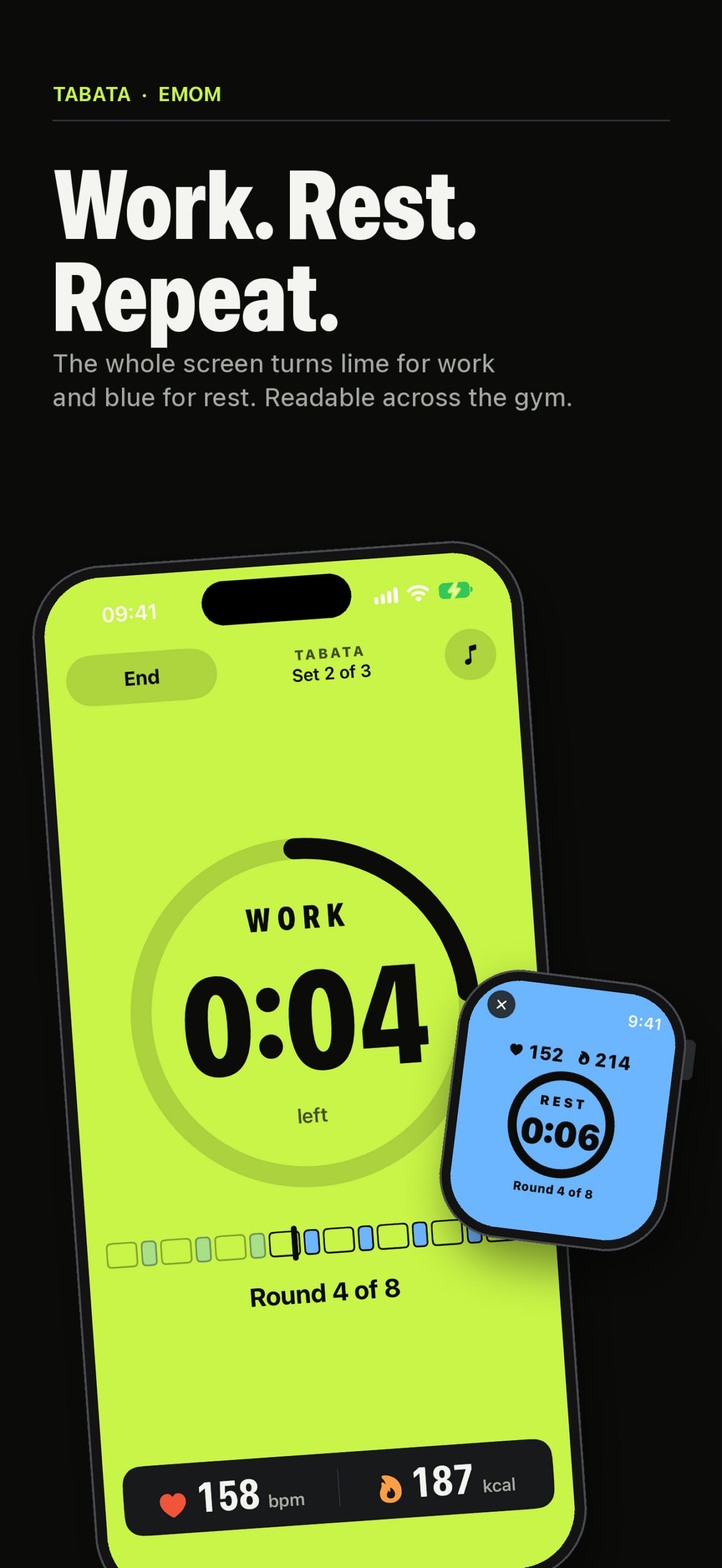
Choose a ready-to-configure timer for Rounds for Time, AMRAP, EMOM, Tabata, or Open workouts. Build a Composite workout when your session needs multiple work and rest stages. During the workout, WODTap shows the current phase, round, and remaining time with large, glanceable controls.
Use WODTap on its own or pair it with Apple Watch. The Watch app can run a workout session, show live heart rate and active calories, and mirror the phone’s workout state. The phone and Watch stay synchronized so you can keep your attention on the workout.
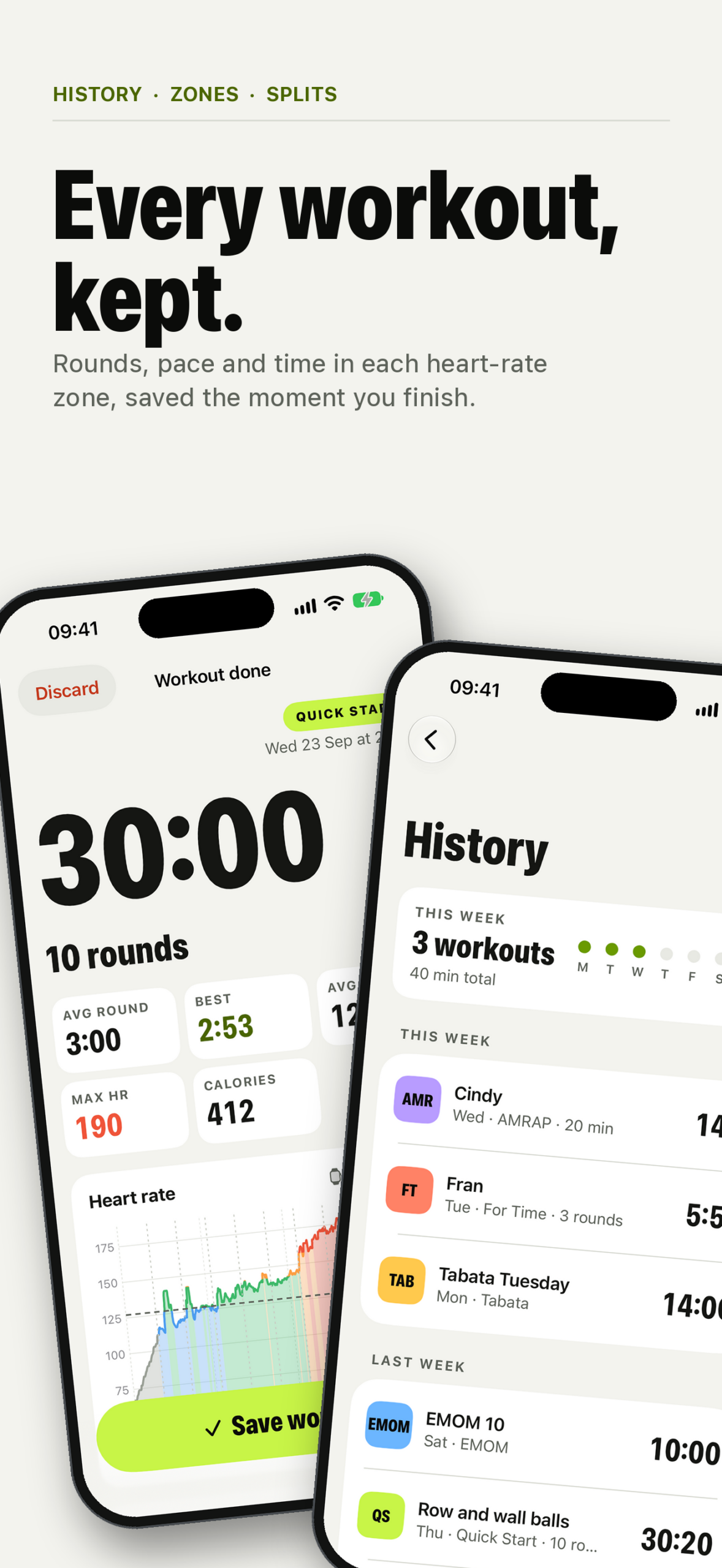
When the session is finished, save a detailed record to your workout history. Review rounds, elapsed time, notes, photos, heart-rate summaries, calories, and heart-rate zones in one place. Add photos from the camera or photo library to capture the session.
Features
- AMRAP countdowns
- Rounds for Time with optional time cap
- EMOM work and rest intervals
- Tabata rounds, sets, and rest between sets
- Open workouts for flexible timing
- Composite workouts with custom stages and rest periods
- iPhone and Apple Watch workout support
- Apple Watch heart rate and active-calorie tracking
- Large countdown, phase, and round displays
- Audio cues, voice announcements, haptics, and configurable voices
- Apple Music playback controls during a workout
- Workout history with editable rounds and notes
- Optional workout photos
- Heart-rate summaries, charts, and training zones
- Themes, color modes, and text-size preferences
- Apple Watch complication for quick access
How it works
- Choose a workout format.
- Configure the rounds, intervals, duration, and rest periods.
- Start the workout on iPhone or Apple Watch.
- Follow the cues and tap to record completed rounds where applicable.
- Save the completed session to your history.
WODTap works without an account. Workout history, settings, and attached photos are stored on your device. HealthKit, Camera, Photos, Media & Apple Music, and Apple Watch features are optional and require your permission.
Requirements
- iPhone running iOS 26.6 or later
- Apple Watch running watchOS 26 or later for Watch features
- A paired Apple Watch with WODTap installed for live Watch metrics
Privacy
WODTap does not require an account and does not include advertising or third-party tracking. Health and fitness data is used to provide the workout features you choose and is handled through Apple’s HealthKit permissions. See the WODTap Privacy Policy.